
What Is AI Mode and Agentic Browsing? Explained Simply
Google is changing search fast. AI Mode and agentic browsing are moving users beyond keywords and blue links toward answers, actions, and automated help. Here’s what it means for the future of search.
Aicodepro Team
VERIFIED AUTHOR
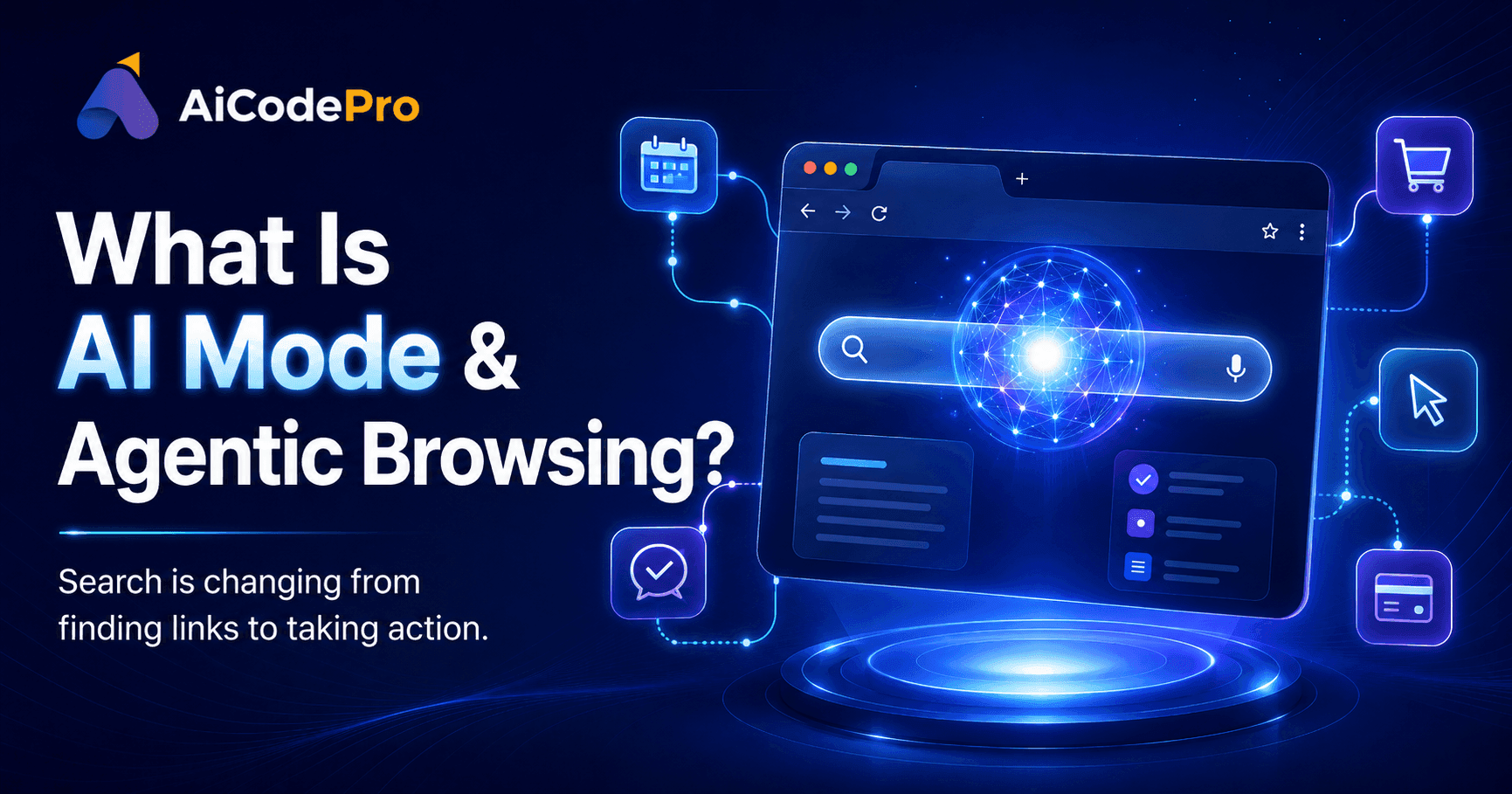
Why Search Is Changing So Fast
Remember when "Googling" something meant typing a few keywords and scrolling through blue links? That world is quietly disappearing.
Search engines used to be like librarians who handed you a stack of books and let you figure it out yourself. Today, they act more like personal assistants — reading the books for you, summarizing them, and sometimes even doing your errands.
That shift has two names: AI Mode and agentic browsing. By the end of this post, you'll understand what they mean, how they differ, and why they matter — whether you're a curious searcher or a business trying to stay visible online.
What Is AI Mode in Google Search?
Let's start with the basics: what is AI Mode in Google Search?
AI Mode is Google's conversational way of searching. Instead of typing three or four keywords and getting a page of links, you ask a full question the way you'd ask a knowledgeable friend and Google gives you a written, synthesized answer built by AI, often with links tucked inside for further reading.
AI Mode meaning in search, in the simplest terms: Google trying to answer your question directly, instead of just pointing you toward websites that might have the answer.
Since launch, AI Mode has grown fast. Google has said AI Mode surpassed one billion monthly users within about a year of launch, with queries more than doubling every quarter. That's not a small experiment — it's quickly becoming core to how people search.
AI Mode explained simply, in one line: less "here's a list of websites," more "here's your answer, conversationally, with sources if you want them."
How Does Google AI Mode Work?
So how does Google AI Mode work behind the scenes? Think of it in three steps:
Understanding your question — AI Mode uses a large language model (currently Gemini) to understand what you actually mean, not just the words you typed.
Gathering information — It pulls from Google's search index and real-time data, then reasons across multiple sources at once.
Generating a response — Instead of ten links, it writes an answer, like a mini-article created just for your question, and lets you ask follow-ups right there.
Google keeps upgrading this system. At its 2026 developer event, the company began rolling out Gemini 3.5 Flash as the new default model powering AI Mode globally, alongside a redesigned, dynamically expanding search box that accepts text, images, and files, and anticipates what you're really asking.
AI Mode is also starting to feel like an ongoing conversation instead of a one-time search. You can ask a follow-up question directly from an AI-generated overview and flow into a back-and-forth conversation, with your context carried forward as you dig deeper.
This is where things blend into agentic territory. Google is rolling out information agents that work in the background around the clock, reasoning across blogs, news, and real-time data to notify you when something relevant changes like new apartment listings matching your criteria.
What Is Agentic Browsing?
Now for the second big term: what is agentic browsing?
If AI Mode is about better answers, agentic browsing is about getting things done. An agentic browser doesn't just fetch information — it acts on your behalf: clicking buttons, filling forms, comparing prices, and even completing a purchase, from a plain-language instruction.
Agentic browsing explained for beginners, with a simple analogy: imagine handing your browser a to-do list — "find me a flight to Delhi under my budget and book the cheapest option" — and instead of clicking through ten tabs yourself, the browser does the clicking, then checks in before spending any money.
That's essentially how Chrome's agentic feature, auto browse, works. You describe the outcome you want, and the AI opens pages, reads them, fills in fields, and compares options, then pauses and hands control back to you before doing anything that spends money or posts on your behalf. Importantly, this isn't old-school autofill. As one guide put it: autofill drops your saved address into a box, while auto browse reads a live results page, narrows it to your dates and budget, and stops at checkout to ask you to take over.
What Are Agentic Browsers?
So, what are agentic browsers exactly? They're browsers (or browser features) built with AI that navigate the web and complete multi-step tasks on your behalf — not just show you pages.
A useful way to see the difference between passive AI and agentic AI in browsing: passive AI reads a page and summarizes it for you; agentic AI reads the page, decides what to click next, and carries out a task across multiple steps — often across multiple websites — until the job is done.
AI Mode vs Agentic Browsing: Key Differences
People often mix these two up, so here's the AI Mode and agentic browsing difference in plain language:
AI Mode | Agentic Browsing | |
|---|---|---|
What it does | Answers your questions conversationally | Completes tasks and actions for you |
Where it lives | Inside Google Search | Inside the browser (e.g., Chrome, Comet, Edge) |
Output | Information, summaries, follow-up chat | Completed actions: bookings, forms, purchases |
Best for | Research, learning, comparing options | Doing errands, multi-step web tasks |
In short: AI Mode vs agentic browsing comes down to thinking versus doing. Increasingly, though, the two are merging — AI Mode's information agents and booking features already blur the line into agentic territory.
Real Examples and Use Cases
Here are some grounded examples of agentic browsing and AI Mode in action:
Apartment hunting: You describe your must-haves once, and an information agent continuously scans listings and notifies you when one matches your needs.
Booking a night out: Tell Search you want a private karaoke room for six on a Friday night that serves food late, and it pulls together pricing, availability, and direct links to finish booking.
Travel planning: With Chrome's auto browse, ask the browser to find a parking spot or compare flight options — it does the legwork, then checks in with you at the final step.
Studying and shopping: Ask Gemini in Chrome to turn a page into an infographic while studying, or alter a product image while apartment shopping.
These agentic browsing use cases show a pattern: research-heavy, repetitive, multi-step tasks are exactly where this technology shines.
Best Agentic Browser Tools and Agentic Browser Examples in 2026
A few agentic browser examples worth knowing: Google Chrome (Auto Browse), currently available to Google AI Pro and AI Ultra subscribers, rolling out in the US on Windows, macOS, and Chromebook Plus; Microsoft Edge (Copilot Mode); Perplexity Comet, built around AI-native task completion; and Opera Aria and Arc Browser, each with their own take on AI-assisted browsing. This space moves fast, so check each provider's site for the latest rollout details in your country.
How AI Mode and Agentic Browsing Impact SEO and Websites
This is the part that matters most if you run a website or business online.
AI Mode's impact on SEO is real and measurable. Google's own data shows that with AI Mode, searches are three times as long as traditional queries, follow-up questions are increasing roughly 40% month over month in the U.S., and over 16% of searches now involve voice, images, or video. People aren't just typing "best running shoes" anymore — they're asking detailed, conversational questions, and Google often answers without a click ever reaching your website. If you want a deeper look at what this shift means for rankings and visibility, our guide on whether your website is ready for AI search breaks down the latest changes in detail.
Agentic browsing's impact on websites adds another layer. If an AI agent is "reading" and "clicking" your site instead of a human, your website needs to be just as usable for a bot as for a person. Confusing navigation, content hidden behind pop-ups, or hover-only menus can trip up both human visitors and AI agents alike — and referral traffic keeps shrinking as AI-generated answers handle more of the job. This growing gap between traditional SEO and AI-first discovery is also why more businesses are exploring GEO vs SEO as separate strategies worth understanding.
How to Optimize Content for AI Mode
So, how do you optimize content for AI Mode? A practical checklist:
Answer real questions, clearly. Write the way people actually talk — full questions, not keyword fragments.
Structure content for easy extraction. Use headings, short paragraphs, and bullet points so AI can pull out clean answers.
Show real expertise. Original data and first-hand experience stand out more than generic, recycled content.
Keep your site technically accessible. Avoid content locked behind heavy JavaScript, infinite scrolls, or hover-only elements — these confuse both AI crawlers and agentic browsers. If your site is still running on outdated infrastructure, it may be worth looking at AI-optimized website builders built with structured data and speed in mind from the ground up.
Think beyond keywords. Since AI Mode handles longer, conversational queries, cover a topic comprehensively rather than targeting one narrow phrase. Tools like AiCodePro's Ranker can help automate this kind of SEO, GEO, and AEO optimization together.
AI Mode SEO Strategy for Businesses
For businesses, an AI Mode SEO strategy needs to shift focus from "ranking" to "being selected." Getting clicked is no longer the only goal — getting cited or referenced inside an AI-generated answer matters just as much.
A few practical moves: build topic authority across multiple pieces of content, not just single pages; make your expertise obvious through author bios and clear sourcing; monitor how you show up inside AI answers, not just traditional rankings; and keep an eye on agentic accessibility — clean HTML, labeled buttons, and working forms may soon matter as much as being crawlable. If you're comparing platforms that can help with this shift, our comparison of AI SEO tools in 2026 is a useful starting point.
The Future of Search With AI Mode and Agentic Browsers
Where is this heading? Search is moving from information to action.
Google has framed this as an "agentic web," where the browser evolves from something you use into a partner that can actually perform tasks on your behalf. Meanwhile, information agents, agentic booking, and AI-powered shopping are already layered directly into Search.
For everyday users, this likely means less typing and clicking, and more simply describing what you want. For businesses, the rules of visibility are being rewritten — the future of search with AI Mode won't just reward being found; it will reward being useful enough that an AI system chooses to feature you.
Conclusion
AI Mode and agentic browsing are two sides of the same shift: search engines are moving from showing you information to understanding your intent — and increasingly, acting on it. AI Mode gets you smarter, faster answers. Agentic browsing gets things done without the manual clicking. Together, they're reshaping what "searching the web" even means.
If you're a business owner or content creator, now is the time to get ahead of this shift. Get a free AI visibility audit to see how ready your website is for AI Mode and agentic browsers, so you're visible in tomorrow's answers, not just yesterday's search results.
Share with AI
Summarize this article, answer my questions based on it, and help me understand the key insights with your favorite AI assistant.