
How to Use an llms.txt Generator to Help AI Agents Read and Cite Your Site
Learn how to use an llms.txt generator to curate clean markdown guides for AI assistants. Complete format guide, token economics, and setup checklist.
AicodePro Team
VERIFIED AUTHOR
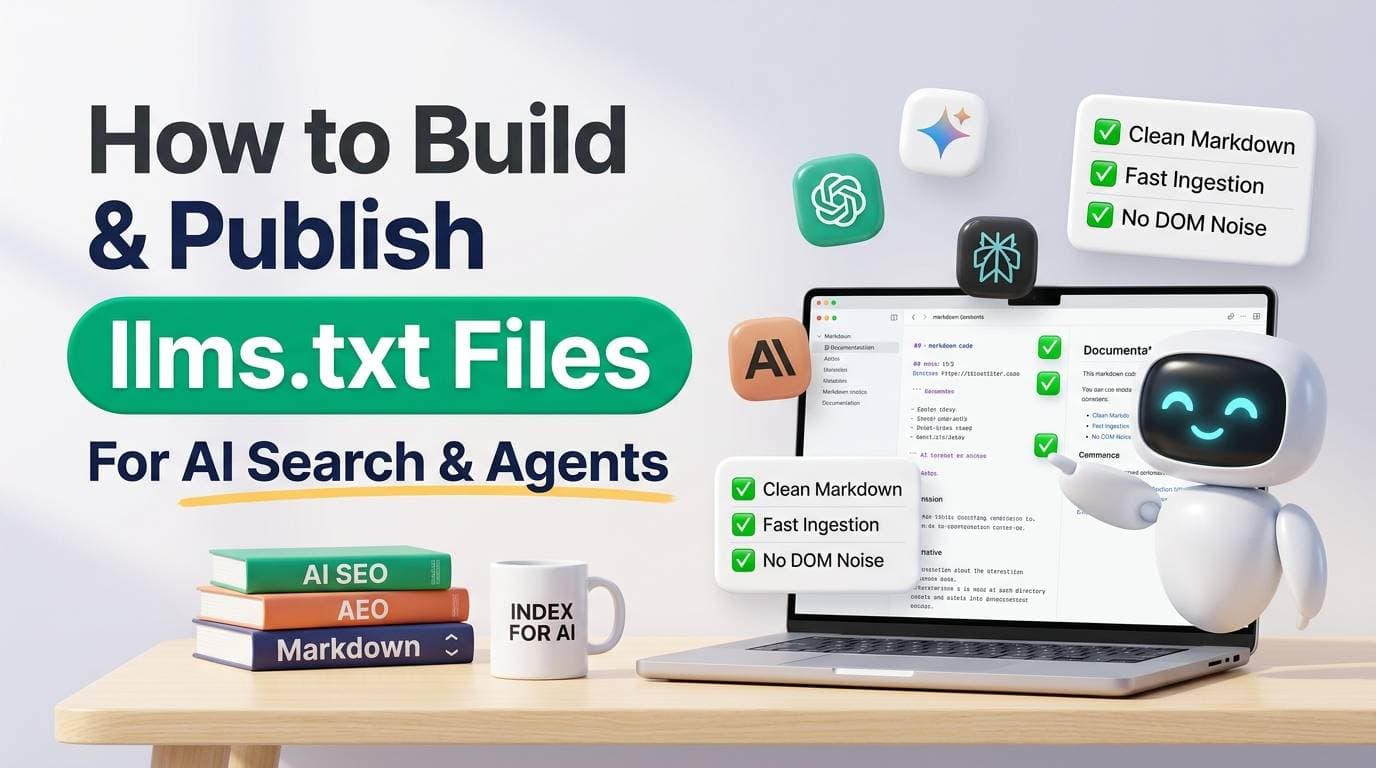
As autonomous AI agents, coding assistants, and generative search engines take over a growing share of web discovery, traditional web pages present a severe structural bottleneck. Between megamenus, cookie consent dialogs, tracking pixels, styled widgets, and advertising containers, over 80% of an average HTML page's bytes consist of layout noise. For a large language model operating under finite context window limits and token processing budgets, ingesting raw HTML wastes compute, increases latency, and frequently leads to hallucinations.
The llms.txt specification addresses this challenge directly. Proposed by Jeremy Howard and the Answer.AI team, it provides an open standard for serving clean, highly curated markdown directly to artificial intelligence systems. By using an automated llms.txt generator, engineering and SEO teams can transform complex website hierarchies and documentation libraries into concise, token-efficient knowledge indexes.
This comprehensive guide details the technical specification of llms.txt, compares its role against legacy web standards, examines token economics, and provides a production deployment roadmap for modern digital properties.
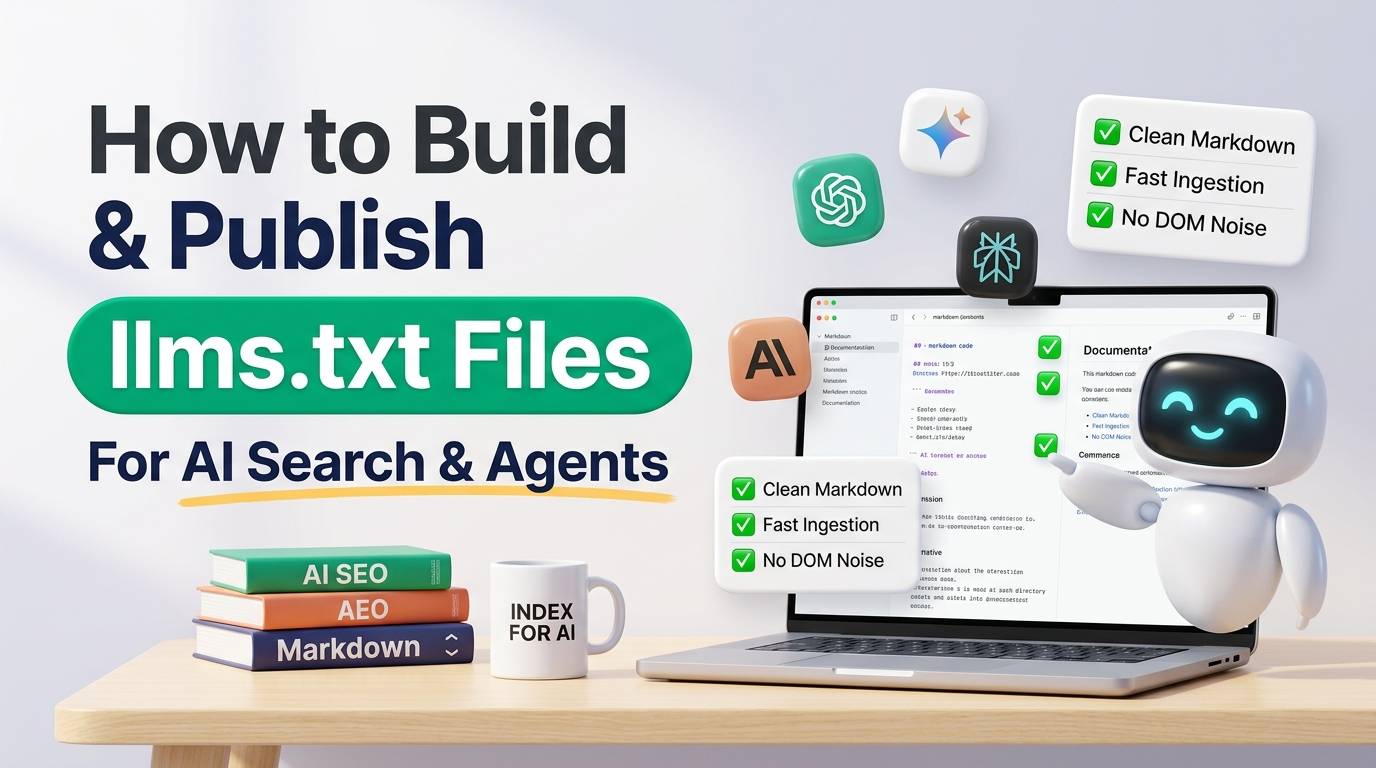 How to Build and Publish llms.txt Files for AI Search and Agents
Key Takeaways
- Token-efficient semantic context: llms.txt eliminates DOM clutter, providing pure markdown optimized for LLM context windows.
- Two-tiered standard:
/llms.txtserves as an executive index;/llms-full.txtconsolidates complete documentation for deep reasoning agents. - Complements robots.txt and sitemap.xml: robots.txt enforces access permissions; sitemaps inventory URLs; llms.txt curates high-density knowledge.
- Massive latency reduction: Parsing a 30KB clean markdown index takes milliseconds compared to downloading and rendering multi-megabyte JavaScript single-page apps.
- Rapid industry adoption: Over 1,500 developer documentation hubs, AI frameworks (FastHTML, LangChain, Anthropic docs), and enterprise SaaS platforms now serve live llms.txt files.
What Is an llms.txt File and Why Do AI Agents Need It?
In traditional search, web crawlers download HTML documents, extract hyperlinks, and index keyword tokens for inverted-index retrieval. However, modern answer engines (such as Perplexity, ChatGPT Search, Claude, and Google AI Overviews) and autonomous coding agents (such as Claude Code, Cursor, and Gemini CLI) do not merely index keywords—they actively ingest, summarize, and synthesize technical concepts.
When an agent visits a domain to answer a user prompt, it must allocate tokens from its context window to parse the fetched content. If a website returns 150KB of navigation menus and script tags just to deliver two paragraphs of documentation, the model's effective context is drastically diminished. In extreme cases, crucial technical details are pushed out of the model's attention span, causing inaccurate summaries.
An llms.txt file solves this by acting as an executive briefing written specifically for machine consumption. Located at the root of a domain, it provides a high-level overview of the organization or project, followed by structured links to core markdown guides.
The Specification: llms.txt vs llms-full.txt
The standard defines two distinct files to accommodate different retrieval workflows:
- /llms.txt: An index file formatted in standard GitHub Flavored Markdown. It begins with an H1 heading designating the project or company name, a concise blockquote summary defining core capabilities, and categorized markdown lists containing links and brief, single-sentence descriptions of essential guides.
- /llms-full.txt: An optional consolidated companion file that concatenates the full markdown text of all linked pages. This file is specifically designed for autonomous agents that support large context windows (such as Gemini 1.5 Pro, Claude 3.5 Sonnet, or GPT-4o) and benefit from reading an entire documentation base in a single API call without recursive HTTP fetches.
How llms.txt Compares with robots.txt and sitemap.xml
Understanding where llms.txt fits within your technical SEO and infrastructure stack requires examining how it complements existing standards:
| Standard | Primary Target | File Format | Core Purpose | Token Density |
|---|---|---|---|---|
| robots.txt | Web crawlers & bots | Plain text rules | Governance: Specifies crawl allowances and disallow paths. | Low (directives only) |
| sitemap.xml | Search engines (Google, Bing) | XML schema | Inventory: Comprehensive list of canonical URLs and lastmod timestamps. | Low (XML markup overhead) |
| llms.txt | LLMs & AI Assistants | Markdown (.txt) | Knowledge Curation: High-density summaries and curated documentation paths. | Extremely High (Pure semantic text) |
| llms-full.txt | Autonomous Reasoning Agents | Concatenated Markdown | Complete Context: Ingests entire technical documentation in one prompt. | Maximum Information Volume |
These protocols form a cohesive hierarchy: robots.txt determines whether an agent has permission to access your domain, sitemap.xml helps search crawlers index your full page catalog, and llms.txt directs generative models straight to the highest-density knowledge assets.
Anatomy of a Production-Ready llms.txt File
The Answer.AI specification establishes a clean, predictable syntax. An effective llms.txt file contains four mandatory sections:
1. Project Title (H1)
The top-level heading must name the project, software library, or commercial organization clearly (e.g., # AiCodePro Growth Suite).
2. Project Summary (Blockquote)
Immediately following the H1, a markdown blockquote (> Summary text) provides a factual, 2-to-4 sentence summary of what the product does, its target audience, and primary capabilities. Avoid marketing hyperbole; models treat this block as authoritative ground truth.
3. Categorized Sections (H2s with Markdown Links)
Group key links under logical subheadings such as ## Core Guides, ## API Reference, or ## Product Specifications. Each link must follow this precise format:
- [Document Title](https://example.com/docs/guide.md): One clear, concise sentence explaining the specific problem solved or data contained in this resource.4. Optional Section (## Optional)
The specification reserves the ## Optional heading for secondary reference material, legacy changelogs, or auxiliary tutorials. When an AI agent operates under constrained context windows, it is instructed to safely disregard links in this section.
Token Economics: Why Curation Outperforms Raw Scraping
Consider the token economics of an AI assistant researching an API integration across an ecommerce store:
- Standard HTML Approach: The assistant fetches 5 web pages. Each page delivers 45KB of HTML, JavaScript bundles, tracking tags, and navigation bars, containing only 1.5KB of actual documentation. Total payload: ~225KB (approx. 55,000 tokens). Latency: 3.2 seconds.
- llms.txt Approach: The assistant fetches
/llms.txt(20KB, approx. 4,500 tokens). It reads the concise index, identifies the exact single documentation file needed, and fetchesguide.md(12KB, approx. 2,800 tokens). Total payload: 32KB (approx. 7,300 tokens). Latency: 0.4 seconds.
By delivering an 86% reduction in token consumption and eliminating rendering latency, sites with an llms.txt file provide a vastly superior retrieval experience for AI models, resulting in faster and more accurate citations.
Common Pitfalls When Generating llms.txt Files
- Dumping the Entire Sitemaps Indiscriminately: An llms.txt file with 10,000 links defeats its own purpose. Curate the top 20 to 100 flagship pages that answer 95% of customer and developer questions.
- Including Web Boilerplate and Navigation Code: Automated generator scripts must strip out cookie notices, header links, footer disclaimers, and interactive forms before producing markdown output.
- Publishing Stale or Broken URLs: Verify that every markdown link returns a valid 200 HTTP status code. Broken links in llms.txt degrade an agent's trust in your site's authority.
- Failing to Set Correct MIME Headers: Configure your web server (Nginx, Cloudflare, Vercel) to serve llms.txt with
Content-Type: text/plain; charset=utf-8ortext/markdownso agents parse it as plain text without execution.
Step-by-Step Deployment Guide
- Audit Your High-Value Documentation: Identify the 25 to 50 URLs containing foundational guides, pricing matrices, and technical specifications.
- Generate Markdown Files: Convert target HTML pages into clean GitHub Flavored Markdown using static site generator plugins or automated tools.
- Build the /llms.txt Index: Assemble the H1, blockquote summary, categorized markdown links with single-sentence descriptions, and the optional section.
- Generate /llms-full.txt (Optional): Bundle core guides into a single continuous markdown file for deep context agents.
- Deploy to Root and Test: Upload the files to
https://yourdomain.com/llms.txt. Test retrieval by prompting Claude, ChatGPT, or Perplexity: "Review the llms.txt at [your domain] and summarize our core services."
Conclusion & Next Steps with AiCodePro
As the web shifts from human-only browsing to hybrid human-and-agent discovery, your site architecture must adapt. An llms.txt file is a lightweight, low-maintenance, high-impact asset that protects your brand from hallucination and positions your documentation for authoritative AI citations.
To audit your website's readiness for answer engines and automated agents, discover how AiCodePro's automated growth suite optimizes crawlability, validates schema integrity, and tracks generative citations across all major AI platforms.
About the Author
The Aicodepro Team specializes in Generative Engine Optimization (GEO), technical SEO automation, and AI agent web architecture for forward-thinking digital brands.
Share with AI
Summarize this article, answer my questions based on it, and help me understand the key insights with your favorite AI assistant.